Trends in Educational Technology
Keeping Creativity Alive
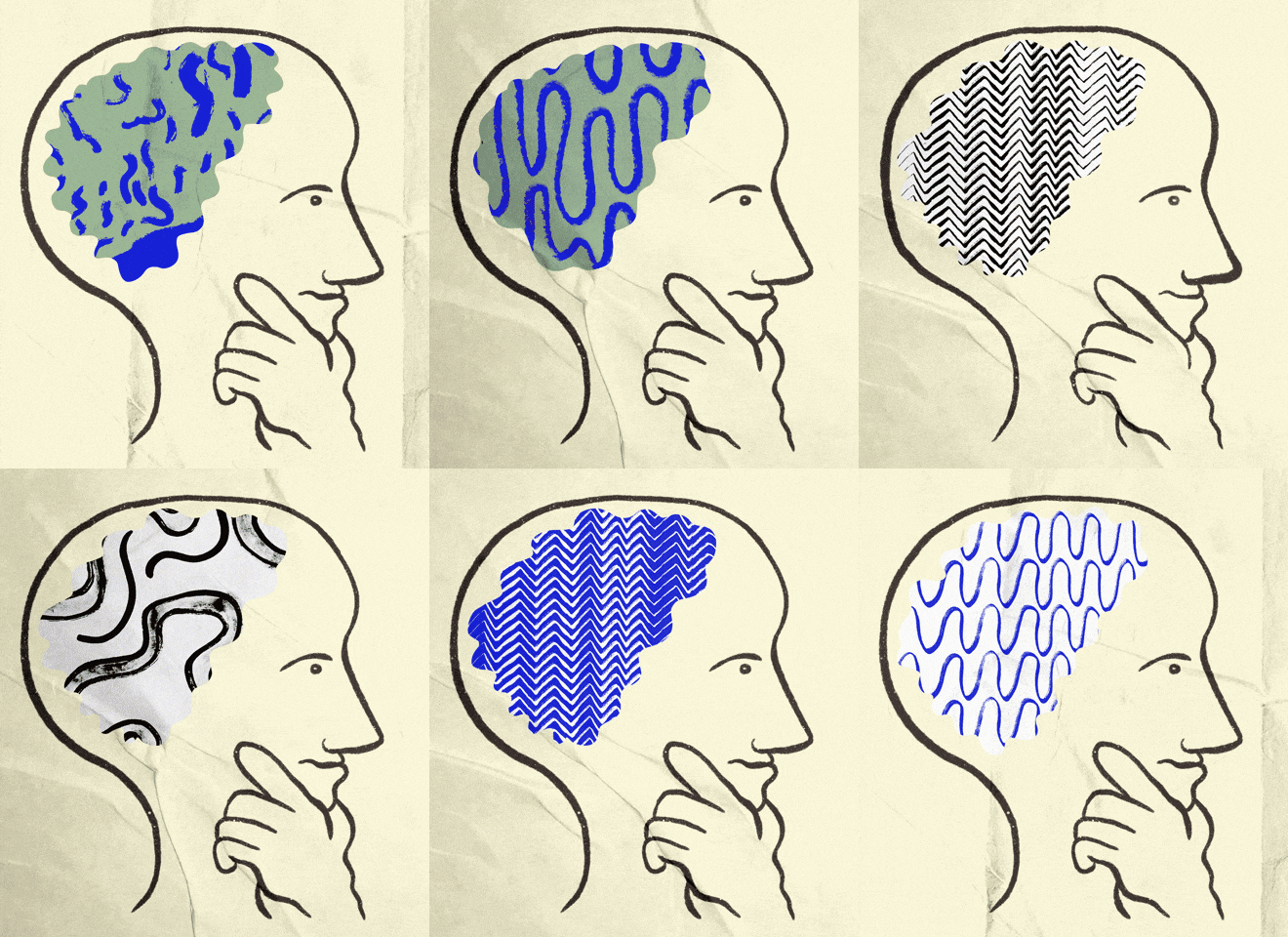
Humans are creative by nature. Even at a young age, we use blocks to build structures tall and strong, cloud formations to create images in our mind, and peers to make games on the playground. These examples (and so many more) tell us that creativity is not something we have, but something we are.
 |
| Image Source |
Checking out Paper
Mentioned before, Paper is an app that lends itself to creativity in the classroom. Before moving into what is available through the app, I will touch base on some important nuances of the app. First, the app is in a faux-journal fashion. This allows for tech-savvy people to feel this is an ode to the original version of 'pen-to-paper' creativity but also makes more traditional learners to feel this is an extension of a handheld journal that work would typically be done in. Available are blank-paged journals, writing and drawing prompt journals, coloring books, sketch-noting journals, planners, etc. Lastly, to make this app work best, it is encouraged to use screen pen. This adds to the mirroring of using a real pen/pencil to write in a real journal. Overall, the experience of what this app offers feels like a natural progression from real-life journaling to the virtual version.
 |
| Image Source |
Moving on, there is a large range to what this app is capable of. To start, there are basic drawing tools like a marker, pencil, fountain pen, watercolors, and eraser. Additionally, there are accessibilities like 'undo,' 'redo,' and templates to work from. These features are a great starting point and can have people of all ages feeling confident with being creative in all aspects of art, note-taking, and much more. Once mastering those components of the app, there are more advanced parts like creating diagrams and collages. In the video below, I will go through some features of the app and a handful of some great journal resources.
Final Thoughts
Pros of Paper
- Allows for drawing, graphics, photography, diagrams, note taking
- Medium looks like a journal that is comfortable to students that may be intimidated by trying a new product
- 'Perfectionism' or students nervous to start artwork in fear of making mistakes can have work easily corrected with the eraser and undo tools
- Can be used by young students at it's most basic functions and as students get older they can grow in mastery with the app
- Library of journals that can be used by students and teachers
- Coloring books and blank journals for drawing can be used as a social/emotional tool
- Work can be shared by students viewing other students work in the app or by being projected onto AppleTV/interactive board
Cons of Paper
- Has a subscription price for use of all tools
- A screen pen is needed for easiest use
- Multiple logins are not available so students would have access to each other's work (unless students have a 1:1 tech ratio)
- Only accessible through iPad/iPhone (not a website for computers/laptops)
Additional Creativity Tools for the Classroom
During my research of Paper, I stumbled upon some other great apps/websites that can bring creativity into the classroom:
- Sketchbook
- An app that allows for a multitude of uses like note-taking, making collages, or free draw
- KaleidaCam
- Mandela creations that can be used to create art but also aides in a social/emotional tool
- Code.org
- Multiple ways to use coding to create art like Artist and Dance Party
- Canva
- A tool for both teachers and students to create and collect content within the class
- Procreate
- Artistic tool that allows for digital drawing and water-coloring or painting over an image
 |
| Image Source |
Let me Know
Being a kindergarten teacher and a freelance graphic designer, creativity is so important for me in and out of the classroom. I have shared a few apps and websites that can keep you creative as a teacher and would love if you shared some of your favorites! What apps/websites help you connect technology and creativity into your classroom? How has technology challenged your own creativity with how you implement lessons? Let me know!
References
Caine, Jef. "Brainstorming GIF" [Digital Image]. (2020). Retrieved from https://media.giphy.com/media/VbEuHLBUPQm55MyqJg/giphy.gif.
InnovatorsBox. "Reflecting GIF" [Digital Image]. (2021). Retrieved from https://media.giphy.com/media/ktEr4Ax4Kci6ESDQkZ/giphy.gif.
Law, Geo. "Art Fun GIF" [Digital Image]. (2015). Retrieved from https://media.giphy.com/media/3oEduXdm2gjnrsJBOo/giphy.gif.


Comments
Post a Comment